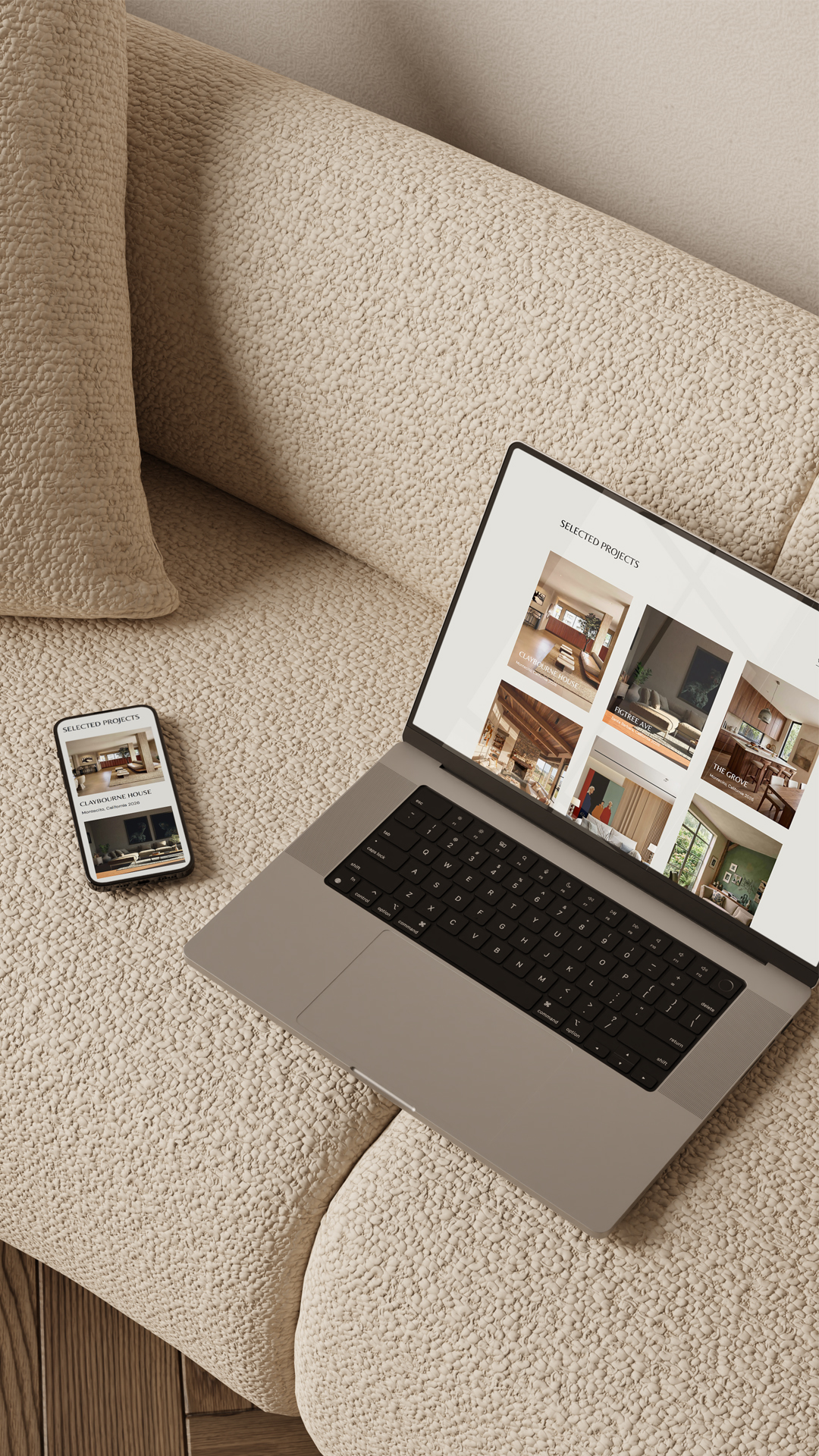
- With a well-designed website template system, a launch-ready website is a one-week project.
- The plan: choose your template and gather your content (day 1), style it (day 2), words and pictures (days 3–4), SEO and details (day 5), the walk-through (day 6), launch (day 7).
- A week is realistic because the design decisions are already made — your only job is adding your work.
The traditional website story goes like this: three months of back-and-forth, a budget that grows mysteriously, and a designer who vanishes right when you need to update a photo. No wonder so many interior designers put up with an outdated site for years — the alternative sounds exhausting.
Here’s the plot twist: with a well-designed template system, a launch-ready website is a one-week project. Not a rushed one — a focused one. Here’s the realistic plan, day by day.
Day 1: Choose your template and gather your ingredients
Pick the template that matches your studio’s aesthetic, then spend the rest of the day gathering: your best project photos, your logo, and any testimonials hiding in your inbox. This is the setup of website building — an hour of gathering saves days of hunting later.
Day 2: Make it yours
Swap in your fonts and colours (a good template comes with a style guide, so this is a follow-the-recipe job, not a design-degree job). Suddenly the template stops looking like a template and starts looking like your studio.
Don’t have colours and fonts yet?
We love Cosmos for inspiration (or Pinterest, but its very heavy on the AI images and rather chaotic).
Check out our blog post – Best Free Fonts for interior designers.
Days 3 and 4: Words and pictures
Work page by page: homepage, projects, services, about, contact. Drop in your projects, then write your copy — Have the copy guide open, telling you exactly what each section needs. Don’t aim for perfect. Aim for clear, warm and true. You can polish forever after launch.
Day 5: The details that make it feel expensive
Page titles and meta descriptions (your SEO guide covers these), linking your Instagram, connecting your contact form, adding your legal pages. Mostly boring, yes. But these details are the difference between “nice DIY site” and “clearly a professional studio.”
Day 6: The walk-through
Click every link. Read every page out loud. Check the whole thing on your phone — twice, because that’s where your clients are coming from (read this blog post about how important it is to have a good mobile design for your interior design website). Then send it to one honest friend. Not five friends; five friends means five contradictory opinions and a week of doubt. One honest friend.
Day 7: Launch
Connect your domain, press the button, pour something sparkling. Then tell people — an Instagram post, Pinterest Pin — and a note to past clients will do more for your traffic than quietly hoping Google notices.
Website in a week – yes, please!
A week is realistic if the design decisions are already made for you. That’s the whole point of a proper website system — the layout, styling, and structure are done by someone who’s been doing this for two decades, so your week is spent adding in your work, not crying over the keyboard at 11pm because of tech overwhelm.
That’s exactly what every Maeten Collection is: a complete Showit website system for interior designers — Showit website template, style guide, copy guide, SEO guide, launch checklist and Canva templates, delivered instantly. Your only job is the fun part: making it yours. Plus – we have the Maeten Support Center if you need it. Browse the collections and mark your launch week in your calendar!
View All CollectionsHow to Launch a New Website in a Week (Without Hiring a Web Designer)